
Google Slides design services
that turn a share link into a yes.

Built natively in Google Slides, by people who know where it bends and where it breaks.

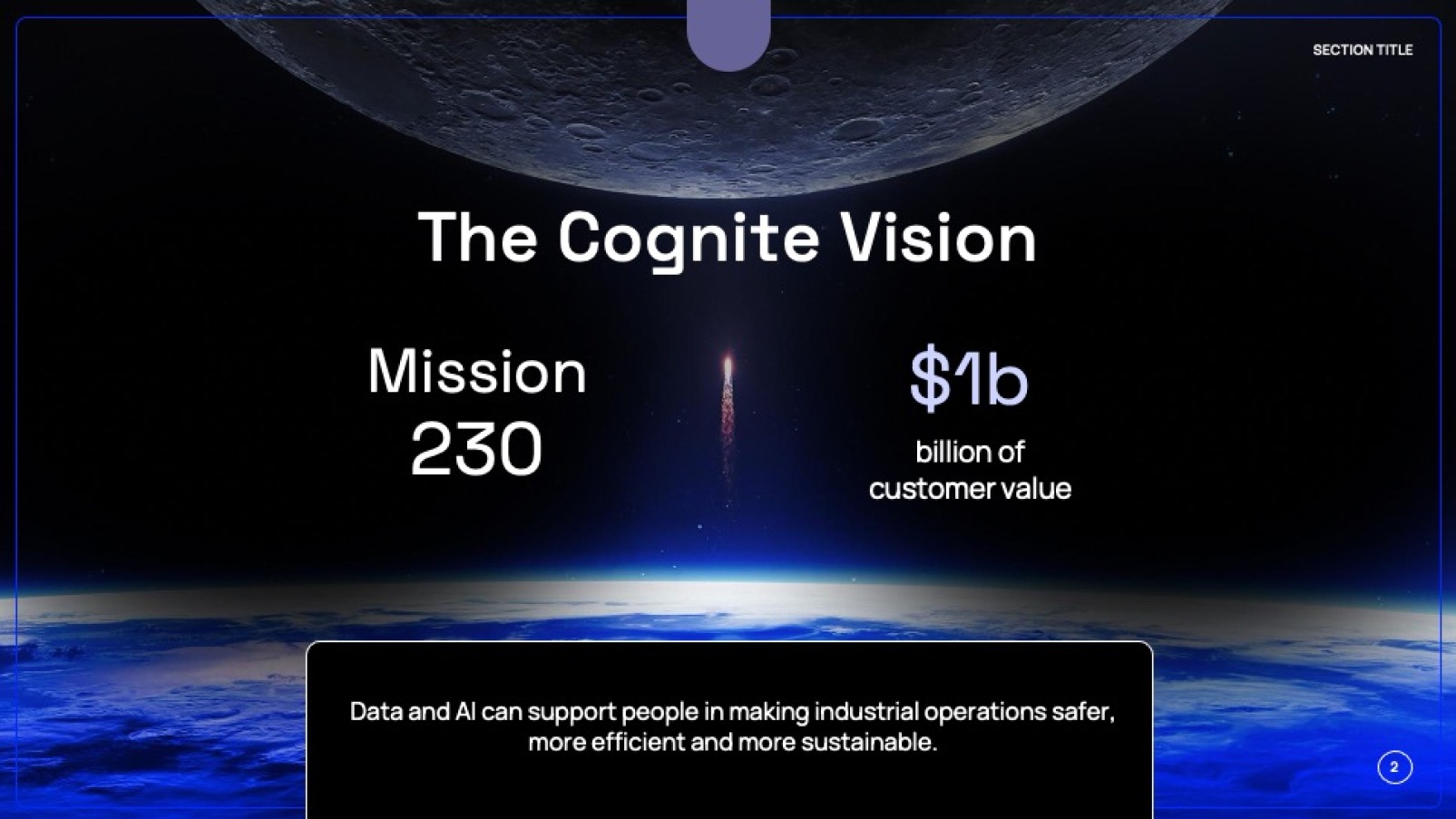
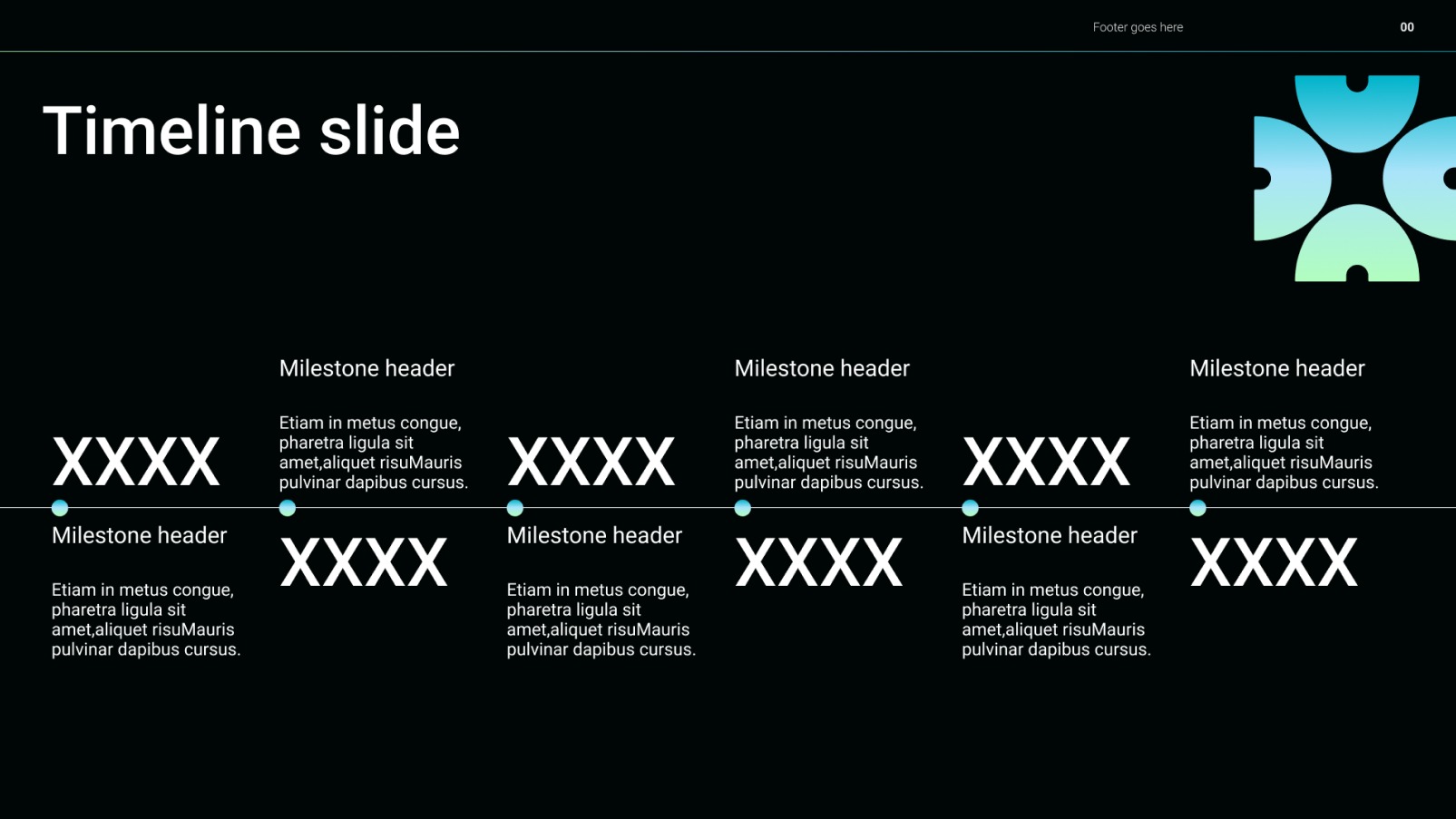
slide by google slide designers timeline slide in google slides slide by google slide designers timeline slide in google slides slide by google slide designers timeline slide in google slides slide by google slide designers timeline slide in google slides slide by google slide designers timeline slide in google slides slide by google slide designers timeline slide in google slides slide by google slide designers timeline slide in google slides slide by google slide designers timeline slide in google slides
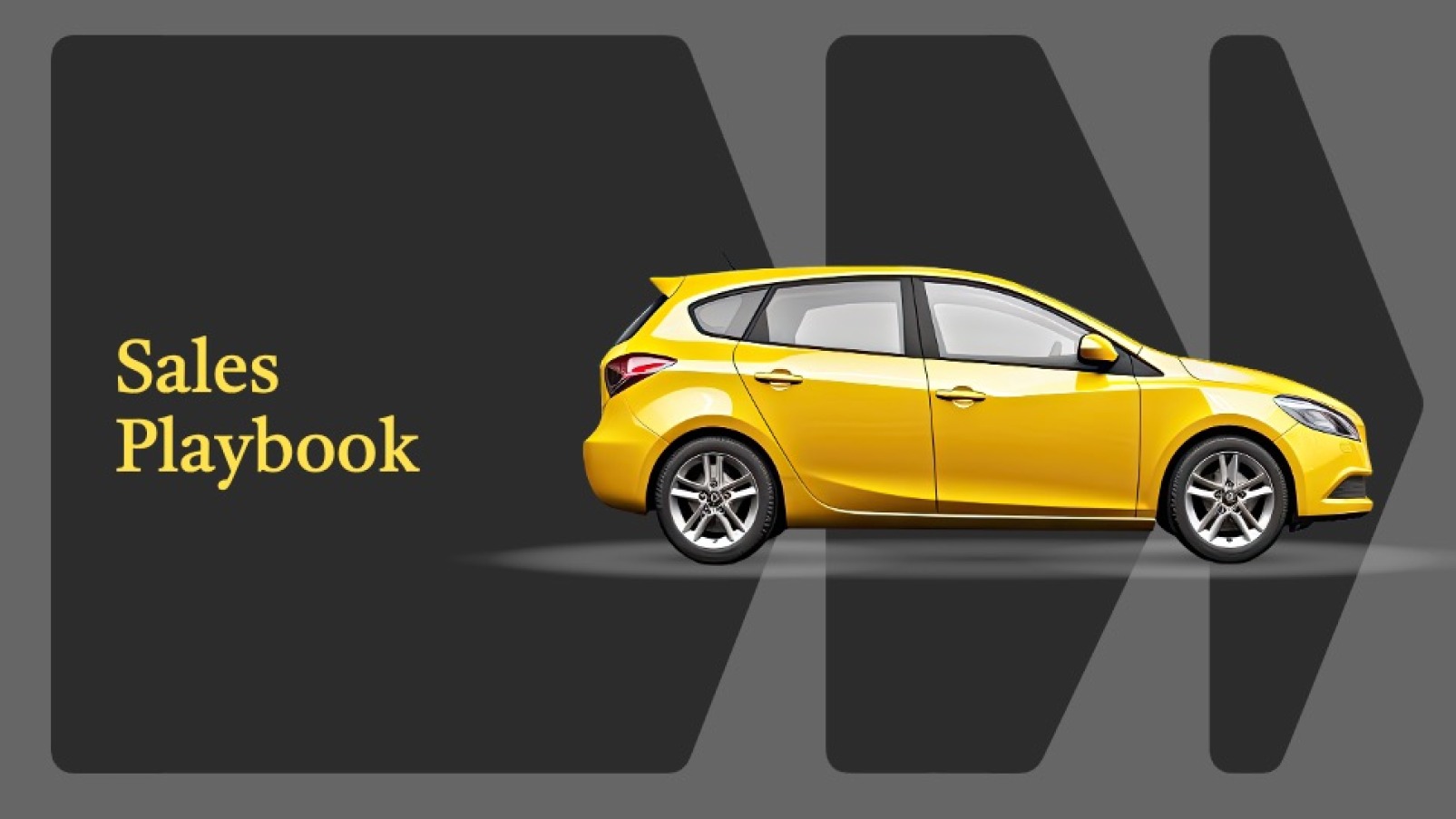
google slides design agency slide presentation slide from google slides agency google slides design agency slide presentation slide from google slides agency google slides design agency slide presentation slide from google slides agency google slides design agency slide presentation slide from google slides agency google slides design agency slide presentation slide from google slides agency google slides design agency slide presentation slide from google slides agency google slides design agency slide presentation slide from google slides agency google slides design agency slide presentation slide from google slides agency
google slides design google slides design google slides design google slides design google slides design google slides design google slides design google slides design google slides design google slides design google slides design google slides design google slides design google slides design google slides design google slides design
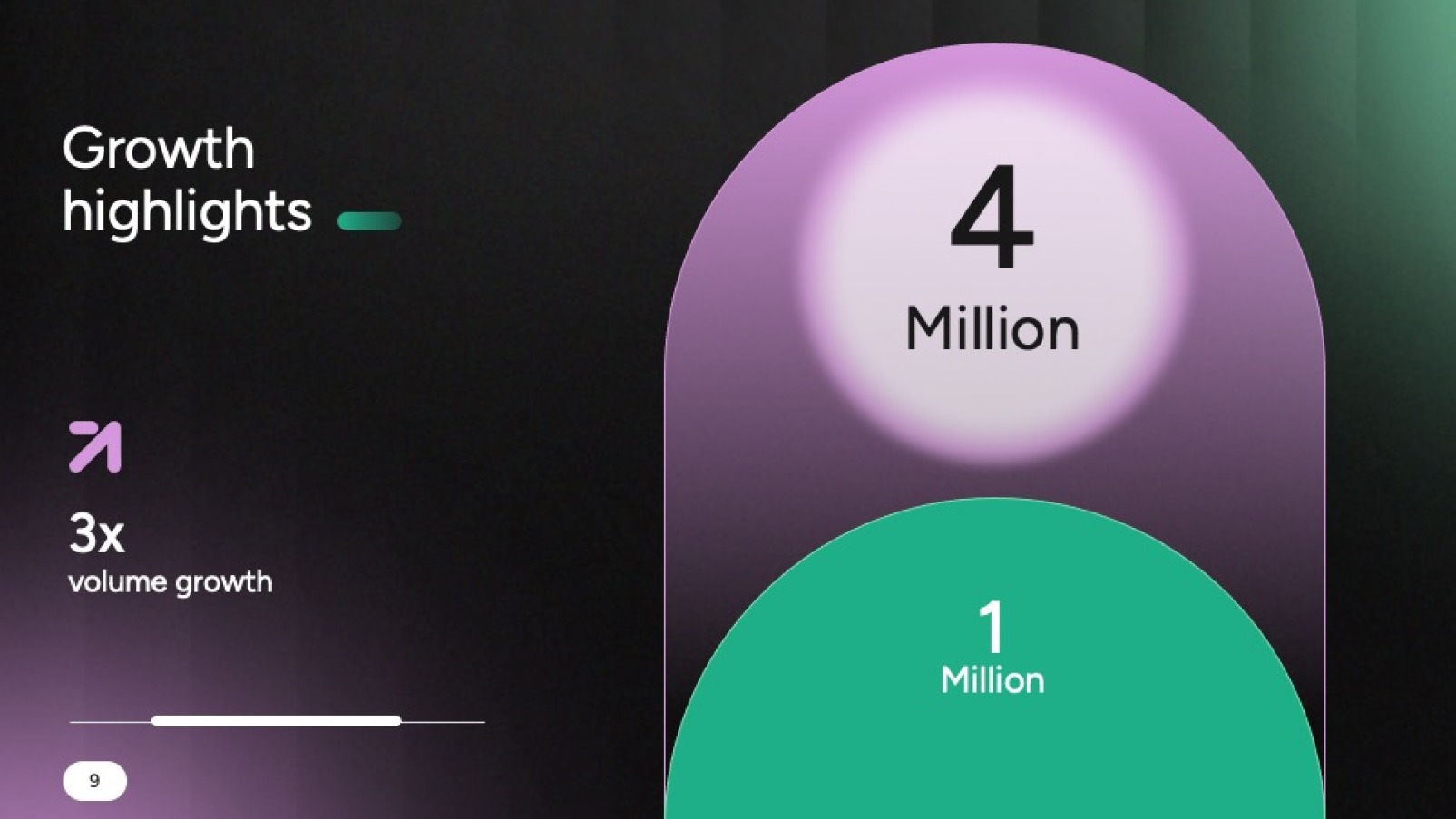
google slides slide google slides slide google slides slide google slides slide google slides slide google slides slide google slides slide google slides slide google slides slide google slides slide google slides slide google slides slide google slides slide google slides slide google slides slide google slides slide
Google slides presentation

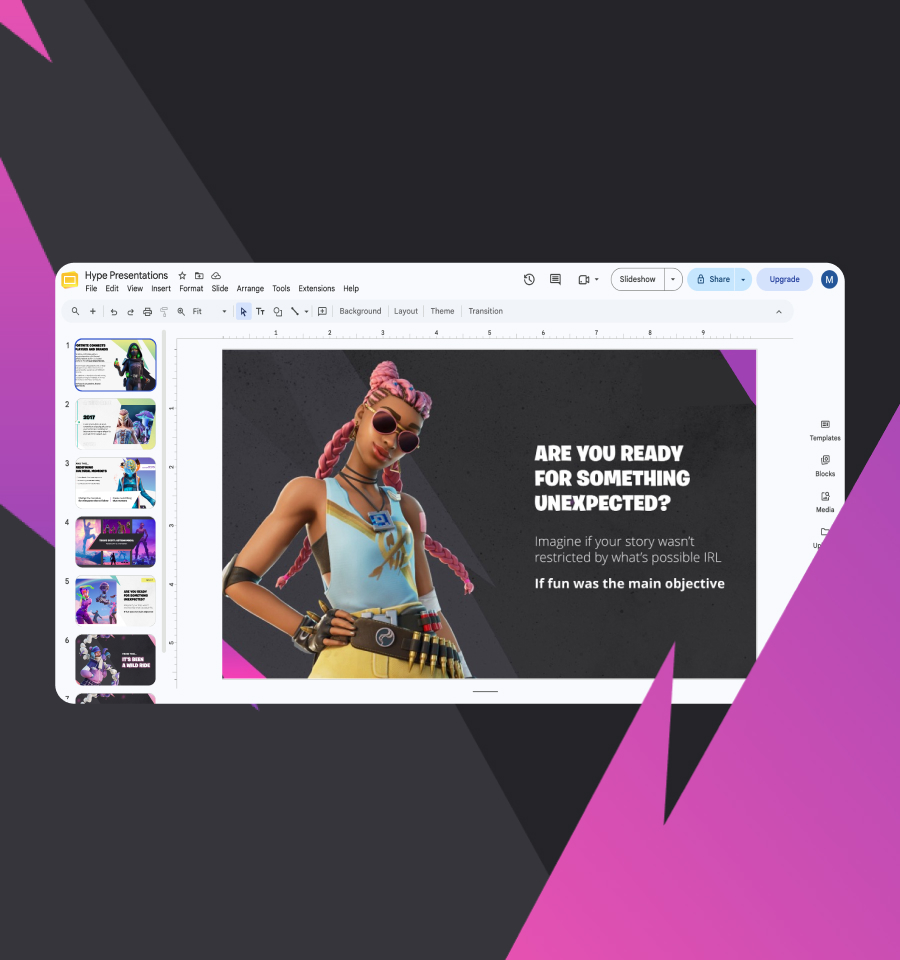
Hype’s Google Slides design services win the decisions riding on your high-stakes presentations. Every deck is built natively in Google Slides, so your team can edit, share and present it from any browser. Investor pitches, sales decks, all-hands and keynotes, for clients all over the world, half of them in the US.

Your company runs on Google Workspace. Your docs live in Drive, your meetings happen in Meet, and your next big pitch should live there too. Not in a PowerPoint file that somebody has to download, convert and pray over.

Book a call
  • 300+ DECKS IN THE LAST 12 MONTHS
  • $500M+ CAPITAL RAISED
  • CLIENTS WORLDWIDE, 50% IN THE US

The trouble with most
Google Slides design services.

slide by google slides designers

Most Google Slides design services are PowerPoint design services in disguise. The agency designs in PowerPoint and converts to Google Slides at the end. Slides opens the file and starts rearranging the furniture. Brand fonts swap to Arial. Charts turn into flat pictures. Animations vanish, and shapes drift a few pixels to the left.

You find out at 8.55am, five minutes before the board joins the call.

Then the real fun starts: nobody on your team can edit the thing, because half the slides are now pictures of slides. You need a deck built in Google Slides from the first layout, by people who know what the software will and won’t do.

How our Google Slides design services work.

Our Google Slides design services follow the same process as every Hype project, from the story to the last transition. The only difference is where we build it. Three specialists share your deck, and an account manager keeps the calls, the feedback and the deadlines in one place.

The story comes first.

We start with what’s riding on this deck, then work back from the result you need. Our storytellers figure out what your audience has to believe before they’ll say yes, and build the argument around it. The story gets your approval before a single layout is drawn.

Design that holds up in Slides.

Next, our designers give the story a look. Follow your brand guidelines to the letter, or push them? Your call, and we’re happy either way. Premium and Ultimate projects come with two or three design directions to compare.

Every direction is drawn with Google Slides in mind: the fonts it supports, the effects it renders and the charts it can keep editable. No beautiful concept that falls apart the moment it meets a browser tab.

Built and animated natively.

A presentation specialist then builds every slide inside Google Slides. Real text, real shapes, charts linked to Google Sheets, and transitions Slides plays smoothly. Nothing is a flattened image.

So when someone changes a number at 11pm, the slide still looks like we made it.

Google Slides template design,
minus the myth.

Google Slides presentation

Our Google Slides design services cover templates too, and here’s something most agencies won’t put on their website: Google Slides can’t hold a template the way PowerPoint can. There’s no template file to install, and its theme builder is a lighter tool than PowerPoint’s slide master. Company template galleries do exist, but only on some Google Workspace plans, and an admin has to re-sync them after every change.

So we build what works. Your Google Slides template is a master deck of on-brand slide variations: title slides, section dividers, agendas, data slides, team pages, quotes and closers. Most run to around 25. Your team makes a copy, picks the slides they need and drops in their content, then rinses and repeats.

Every variation sits on a theme set up with your colours and fonts, so whatever your team builds still looks like you.

Need the same look in PowerPoint? We’ll build both, so the deck matches whichever app opens it.

PowerPoint template design services

Google Slides decks
built to work with Gemini.

Google slides presentation

Gemini in Google Slides can now build a whole, editable presentation from a single prompt. Attach an existing deck as a style reference and Gemini follows its look (Google’s announcement). The better the reference deck, the better every slide it makes.

That’s where our Google Slides design services come in. The master deck we build for your team doubles as Gemini’s style reference: clean layouts, real text boxes, your colours and fonts set in the theme, and nothing flattened into an image. Ask Gemini for a first draft and it comes back looking like your brand, not a stock template.

We’re human-first, so our designers still own the thinking and the craft. Gemini is a tool your team can use on the next deck, not the one designing this one. Add training and we’ll show your team how to point Gemini at the right deck and write prompts that get usable slides back.

Using Copilot or Claude in PowerPoint instead? Take a look at our AI-ready PowerPoint templates.

PowerPoint template design services

What our Google Slides
designers deliver.

Spectro Cloud, the Kubernetes management company, hired our Google Slides design services for a presentation in 2025. Here’s how Ant Newman, their Director of Content Marketing, felt when the first draft landed.

Healing wasn’t in the brief. We’ll take it.

Well I just got a first project deliverable in from Hype Presentations and I think my healing process is beginning.

Ant Newman Director of Content Marketing, Spectro Cloud

Google Slides design services: need to know.

What are Google Slides design services?

Google Slides design services take a presentation from rough idea to a finished deck built natively in Google Slides. Hype splits every deck between three people: a storyteller who shapes the argument, a designer who sets the visual direction, and a presentation specialist who puts every slide together and animates it inside Slides. The result is a deck anyone on your team can open, change and share from a browser.

How much do Google Slides design services cost?

The same as our PowerPoint work: the platform doesn’t change the price, the project does. We quote each deck after a call, and the proposal sets out cost, process and timings in writing.

What moves the number:

– Slide count

– Your existing design, polished, or a fresh look with a choice of design directions

– Storytelling

– A Google Slides template, priced on how many on-brand slide variations your team needs

– Training, and a matching PowerPoint version

Our packages are on our pricing page.

Can you convert our PowerPoint deck to Google Slides?

Yes. Our Google Slides design services rebuild it rather than convert it. Opening a PowerPoint file in Google Slides swaps fonts, flattens some charts into images and drops animations Slides doesn’t support. We rebuild each slide natively, so it looks right and stays editable.

Will our brand fonts work in Google Slides?

Only if they’re on Google Fonts, because Slides doesn’t let you upload your own. If your brand font isn’t there, we’ll match it to the closest Google Font and check every slide with it before you see the deck.

Can Google Slides do animation?

Yes, within limits. Slides handles transitions and object animations such as fade, fly in, zoom and spin. It doesn’t have PowerPoint’s Morph or motion paths, so we design the motion around what Slides plays smoothly rather than promising effects it can’t deliver.

Does Gemini work with the decks you build?

Yes. Gemini can use any existing deck as a style reference when it builds new slides, and the master deck we build is made to be a good one. Gemini’s deck generation is on Google Workspace Business and Enterprise Standard and Plus plans, and on Google AI Pro and Ultra, in English (US) to start with.

How long does a Google Slides presentation take?

Most decks take around a fortnight. A Refresh can be back with you in two working days. Big decks, missing content and complex animation stretch that. A first draft of a Google Slides template usually lands within a week or two, and sooner if the studio has space.

How many rounds of revisions do I get?

You review the work as each stage finishes, so you can steer while changes are still cheap. A Refresh comes with a single four-hour round. Premium has a round once the design is done and another once the build is done. Ultimate adds a third, straight after the storytelling.

Will you sign an NDA?

Of course. Your plans stay confidential from the first call, on your paperwork or ours.